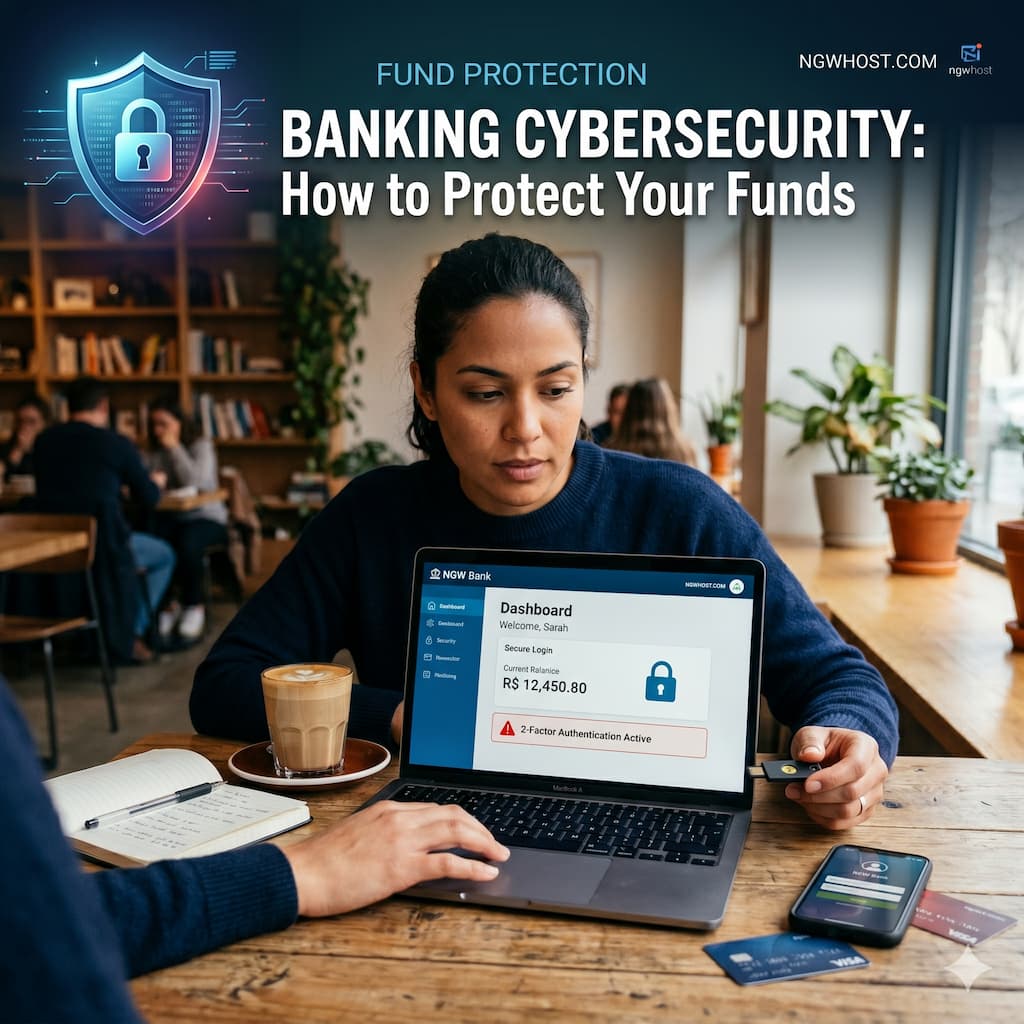
Cybersecurity in Banking: How to Protect Your Funds
In 2026, the digital bank vault has replaced the physical one, and the “robbers” of the modern era don’t wear masks—they write code. As we navigate a financial landscape defined by instant transfers, AI-driven banking apps, and decentralized finance, the security of your capital is no longer just the bank’s responsibility. It is a shared mission.
For the readers of ngwhost.com, understanding the anatomy of a cyberattack and the layers of defense available is the only way to ensure your hard-earned funds remain yours. From the sophisticated “Social Engineering” tactics used to bypass biometrics to the foundational security habits that stop hackers in their tracks, this guide is your comprehensive manual for financial survival in the digital age.
1. The Evolving Threat Landscape of 2026
The threats we face today are far more nuanced than the simple “phishing” emails of a decade ago. Cybercriminals are now leveraging the same cutting-edge technologies that banks use to protect us.
AI-Powered Phishing and Deepfakes
One of the most terrifying developments in 2026 is the use of Generative AI to create hyper-realistic “Deepfake” voices and videos. A scammer can now call an individual, mimicking the exact voice of their bank manager or even a family member in distress, asking for urgent fund transfers or sensitive credentials.
Man-in-the-Middle (MitM) Attacks
As more people work from cafes and public spaces, MitM attacks remain a primary threat. Hackers set up “rogue” Wi-Fi hotspots that look legitimate. When you log into your banking app using this connection, they intercept your data in real-time, capturing login tokens and account details.
2. The Golden Rule of Authentication: MFA and Beyond
If you are still relying solely on a password, your funds are essentially sitting behind a screen door. Multi-Factor Authentication (MFA) is the “Deadbolt” of cybersecurity.
The Problem with SMS-Based MFA
In 2026, SMS (text message) verification is considered “low-tier” security. Hackers use a technique called SIM Swapping, where they trick your mobile provider into porting your phone number to a device they control. Once they have your number, they receive your “secure” codes directly.
The Solution: Authenticator Apps and Physical Keys
For the highest level of protection, you should use:
- Time-based One-Time Passwords (TOTP): Apps like Google Authenticator or Authy generate codes locally on your device, making them much harder to intercept.
- FIDO2 Security Keys: Physical USB or NFC keys (like YubiKey) are the gold standard. They require physical possession and a touch to authorize a login, making remote hacking virtually impossible.
3. Securing the “Endpoint”: Your Smartphone and PC
Your device is the gateway to your money. If the gateway is compromised, the strongest bank vault in the world won’t save you.
Mobile App Security
In 2026, banking apps are incredibly secure, but the operating system they sit on might not be.
- Biometric Locking: Always enable “App-Level” biometrics. Even if your phone is stolen while unlocked, the thief cannot open your banking app without your face or fingerprint.
- The Danger of “Jailbreaking”: Never root or jailbreak a device you use for banking. This removes the “Sandbox” protections that prevent malicious apps from reading the data of other apps.
The “Clean Device” Protocol
For large transfers or business banking on ngwhost.com, consider using a dedicated “clean” device—a laptop or tablet that is used only for financial transactions and nothing else. This minimizes the risk of “Drive-by Downloads” from casual web browsing.
4. Social Engineering: The Human Vulnerability
Hackers don’t always “break in”; sometimes, they are “let in.” Social engineering is the psychological manipulation of people into performing actions or divulging confidential information.
The “Urgency” Tactic
Banks will never call you and demand that you move your money to a “Safe Account” because of a supposed hack. If you receive a call or text creating a sense of panic, hang up immediately. Find your bank’s official number from the back of your physical card and call them back.
Vishing and Smishing
- Vishing (Voice Phishing): Scammers use AI to spoof the bank’s caller ID.
- Smishing (SMS Phishing): You receive a text about a “locked account” with a link. That link leads to a cloned version of your bank’s website designed to steal your credentials.
5. Network Security: Defending the Data Stream
How you connect to the internet is as important as what you do on it.
The Role of VPNs
A Virtual Private Network (VPN) creates an encrypted tunnel for your data. In 2026, using a VPN is mandatory whenever you are not on a trusted home or office network. It masks your IP address and prevents local attackers from “sniffing” your banking packets.
DNS Over HTTPS (DoH)
Advanced users should enable DoH in their browsers. This encrypts your DNS queries (the requests that turn “bank.com” into an IP address), preventing ISPs or hackers from seeing which financial institutions you interact with.
6. How Banks Protect You: Behind the Scenes
While you handle your “Front-End” security, banks are using massive AI clusters to protect the “Back-End.”
Behavioral Biometrics
Modern banks track more than just your password. They analyze your Behavioral Biometrics:
- How fast you type.
- The angle at which you hold your phone.
- Your typical transaction locations and times.
If a login occurs from your usual device but the “typing rhythm” is different, the bank’s AI may flag the session for additional verification.
Real-Time Fraud Detection
Banks use predictive models to scan millions of transactions per second. If your card is used in a store in London five minutes after you used it in Brazil, the system automatically freezes the transaction and alerts you.
7. The 2026 Cybersecurity Checklist for Investors
To keep your funds safe on ngwhost.com and beyond, follow this daily/monthly protocol:
- Audit Your Permissions: Check which third-party apps (like budget trackers) have access to your bank via API. Revoke access for any you no longer use.
- Enable Push Notifications: Ensure every single transaction—even $0.01—triggers a push notification to your phone. Immediate awareness is the best defense.
- Use Virtual Cards: For online shopping, use “Disposable” or “Virtual” card numbers. If the merchant is hacked, your primary account remains untouched.
- Set Transaction Limits: Keep your “Daily Transfer Limit” low. If you need to make a large purchase, raise the limit temporarily and then lower it immediately afterward.
8. What to Do If You Are Compromised
Even with the best defenses, breaches happen. Speed is the only factor that determines whether you recover your funds.
- Step 1: The “Kill Switch.” Immediately freeze all cards and accounts via your banking app.
- Step 2: Change Everything. Change the passwords for your bank AND the associated email account. If they have your email, they can reset your bank password.
- Step 3: Document and Report. Take screenshots of the fraudulent transactions and file a formal police report. In 2026, many insurance policies require a police case number to process fraud claims.
- Step 4: Credit Freeze. Contact credit bureaus to place a “Fraud Alert” or “Credit Freeze” on your name to prevent the hacker from opening new loans in your name.
9. The Future of Banking Security: Passkeys and Quantum Resistance
As we look toward 2030, we are moving toward a “Passwordless” future.
- Passkeys: These are digital credentials tied to your device’s hardware. They cannot be phished because there is no “code” to give to a hacker; the authentication happens via a private key stored in your phone’s secure enclave.
- Quantum-Resistant Encryption: As quantum computers threaten to break current encryption, banks are already transitioning to “Post-Quantum” algorithms to ensure that the data they store today remains safe for decades to come.
Read More⚡ Top Dividend Stocks for Consistent Monthly Income
Conclusion: Constant Vigilance is the Price of Freedom
Cybersecurity in banking is not a “set it and forget it” task. It is an ongoing practice of digital hygiene. By combining high-tech tools—like physical security keys and VPNs—with high-touch habits—like skepticism of unknown callers and regular account audits—you can build a “Personal Fortress” for your finances.
At ngwhost.com, we believe that the convenience of digital banking should never come at the cost of your security. In the digital world of 2026, you are the ultimate gatekeeper of your wealth. Stay informed, stay skeptical, and keep your “keys” close.